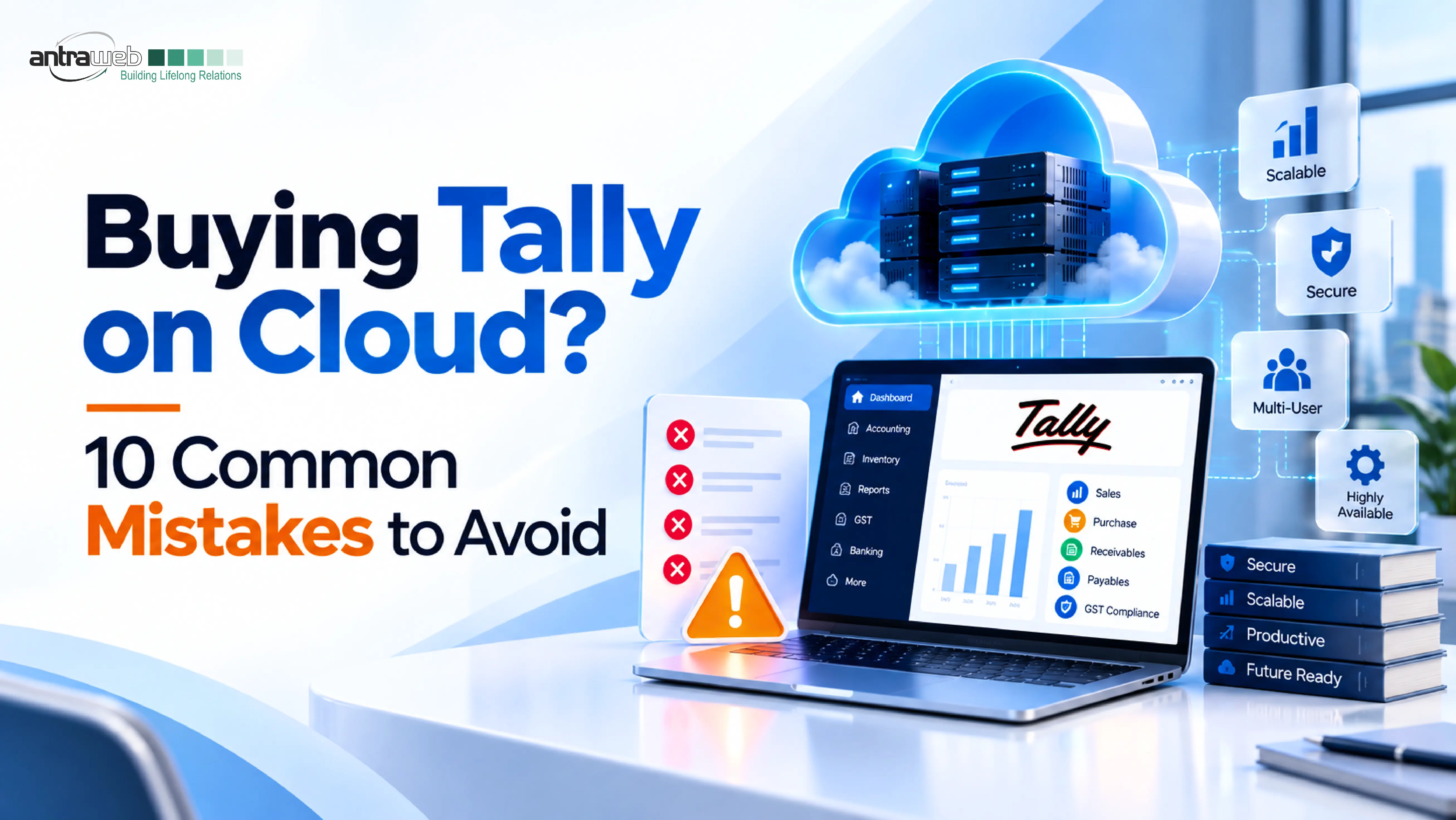
Moving Tally to the cloud sounds simple at first. A business compares a few plans, checks the price, confirms the user count, and assumes the rest will work itself out. That is where many cloud decisions start going wrong.
Most problems in a Tally on Cloud setup do not begin after deployment. They begin during buying.
A plan may look affordable on paper, but later the business discovers slow report processing, poor performance at peak hours, confusion around support scope, printing or add-on issues, unclear backup expectations, or difficulty shifting out when requirements change. None of these problems usually appear in the sales summary. They appear after teams start working.
That is why buying Tally on Cloud should not be treated like renting generic server space. The right setup depends on how Tally is actually used in your business, how many people work together, what customisations are involved, what kind of support is needed, and what responsibilities sit with the provider versus your own team.
If you are evaluating a Tally on Cloud provider, these are the ten buying mistakes worth avoiding.
Choosing a Tally on Cloud Plan Based Only on User Count
One of the most common starting mistakes is to compare plans based only on how many users a provider says the setup can support.
A business may hear “this plan supports 10 users” and assume the environment is correctly sized. That sounds straightforward, but it hides the real question: what kind of work will those users actually do?
Ten users doing light voucher entry is very different from:
- multiple users opening large reports at the same time,
- working with heavy data files,
- using customisation,
- exporting reports frequently,
- or processing peak workloads during month-end.
In practice, user count alone does not tell you whether the setup is right. CPU allocation, RAM, storage performance, workload type, and usage pattern all influence whether Tally feels smooth or frustrating.
A smaller environment can work well for one business and fail for another, even if both have the same number of named users.
What matters is not only “How many users?” but also:
- What kind of work do they do daily?
- How large is the data set?
- Are custom TDLs involved?
- Do multiple users access the same reports together?
- Are there usage peaks on specific days or times?
If a provider gives a recommendation without understanding workload, the proposal is incomplete.
Confusing Total Users with Concurrent Users
This is one of the easiest ways to under-size or over-size a cloud setup.
A business may have 15 Tally users overall, but that does not mean all 15 work at the same time. In many cases, only 5 to 7 may be active together. In others, most users may log in simultaneously during key business hours or month-end activity.
That difference matters because cloud planning is shaped by concurrent usage, not just total accounts.
For example:
| Scenario | Total Users | Concurrent Users | Planning Impact |
|---|---|---|---|
| Small distributed team | 15 | 5 | Moderate infrastructure need |
| Centralised operations team | 15 | 12 | Higher resource need |
| Month-end heavy usage | 15 | 10+ at peak | Setup must handle spikes |
A plan that looks economical can become a bottleneck if concurrency is ignored. Businesses often discover this only after people start complaining that Tally is “slow,” even though the real issue is that the environment was sized for the wrong usage pattern.
The better question is: How many users will actively work at the same time, especially during peak periods?
That number is more useful for planning than total users alone.
Assuming Tally Will Automatically Run Faster on Cloud
Cloud does not automatically make Tally faster. It can improve flexibility and access, but performance depends on the full working environment.
A useful way to think about it is this:
Tally performance = cloud infrastructure + VM resources + Tally workload + stable Internet
If one of those is weak, the user experience suffers.
A setup may appear fine during a demo because login is quick and the desktop opens smoothly. That does not prove that daily work will remain smooth when users begin:
- loading reports,
- printing,
- exporting,
- switching between companies,
- using custom features,
- or handling large data volumes.
This is where many buying decisions become expensive later. A provider may sell the comfort of “cloud access,” but the business still has to validate whether the setup can handle real working conditions.
Do not test only login speed. Test actual work:
- report opening time,
- voucher entry response,
- export performance,
- print behaviour,
- and peak-hour responsiveness.
If performance is discussed only in broad words like “fast,” treat that as incomplete, not reassuring.
Treating Tally on Cloud like a Generic Hosting Purchase
Many businesses buy Tally on Cloud as if they are simply renting remote desktop access. That misses the point.
Tally usage is not just about putting software on a server. It involves business workflows, user behaviour, printer use, data handling, backup expectations, access management, and in many cases custom logic built around the environment.
A generic hosting plan may give you a machine. It does not automatically give you a business-fit Tally setup.
This is where low-cost offers often become misleading. The offer may look cheaper because it assumes a very basic environment, while the business actually needs something more stable, more responsive, or more support-aware.
A better provider discussion should cover:
- business use case,
- concurrent users,
- growth expectations,
- existing setup dependencies,
- and whether the cloud environment is being designed around Tally operations rather than just virtual machine allocation.
If the conversation stays only at “plan name, user count, and price,” the buying process is still too shallow.
Ignoring Responsibility After Going Live
One of the more dangerous assumptions in cloud buying is this: “Once we move to the cloud, the provider manages everything.”
That is rarely true.
A cloud provider may be responsible for infrastructure availability, connectivity to the hosted environment, backup restore support, and operating system crash recovery within the agreed scope. But that does not automatically mean the provider owns everything that happens inside day-to-day business usage. Businesses still need clarity on responsibilities such as:
- user management,
- Tally usage practices,
- internal access policies,
- compliance requirements,
- data handling decisions inside the working environment,
- and process discipline within their own team.
This matters because support confusion usually begins when responsibilities were never clearly discussed at the start.
If a business assumes everything is covered, and the provider assumes only infrastructure-level responsibility, the gap shows up later during pressure situations.
Ask directly:
- What is covered by the provider?
- What remains with the customer team?
- What support is available for issues inside the working environment?
- Where does standard support end?
Vague answers here usually become operational problems later.
Accepting “Secure” as a Complete Answer
When a provider says “it is secure,” that should be the start of the conversation, not the end.
Security in a cloud environment depends on what has been configured, what has been included, what remains the customer’s responsibility, and how access is controlled in practice. A simple yes-or-no answer hides too much. A business should understand things such as:
- how access is controlled,
- what restrictions or policies are available,
- how user access is managed,
- what monitoring or safeguards exist within the agreed setup,
- and what security-related responsibilities still sit with the customer.
What often goes wrong is that buyers assume “hosted” means “fully secured in every way.” That assumption is too broad.
The more useful question is: What security controls are included, what depends on configuration, and what remains our responsibility during use?
If the provider cannot explain that clearly, the promise is weaker than it sounds.
Confusing Backup with Disaster Recovery
These two terms are often used interchangeably in sales conversations, but they are not the same thing.
A backup helps recover data from a previous point. Disaster recovery is a broader continuity arrangement for serious disruption scenarios. Treating them as identical creates false confidence.
Many businesses hear “backup is included” and assume that everything needed for business continuity is already taken care of. That is not always the case.
Before buying, clarify:
- how often backups are taken,
- how long they are retained,
- what restore support is available,
- how restoration is handled,
- and whether any broader recovery arrangement is part of the service or not.
The risk here is not technical confusion. The risk is expectation mismatch.
If a business assumes one level of protection and the provider has committed to another, the issue appears only when something has already gone wrong.
That is too late.
Not checking TDLs, Add-ons, Integrations, and More
This is where many cloud migrations become harder than expected.
A business may think, “We already use Tally successfully, so moving it to the cloud should be simple.” But successful local usage does not guarantee smooth hosted usage.
The environment may depend on:
- TDL Customisation,
- Tally Add-ons,
- Third-party integrations,
- Export tools,
- Office-network dependencies,
- or utilities tied to the current setup.
A migration can look technically possible and still create friction after go-live if these dependencies were not checked in advance.
For example, invoice printing, specialised reports, or integrated tools may depend on settings or local behaviours that do not behave the same way after migration.
That is why cloud planning should include a proper compatibility discussion, not just a server plan.
Ask:
- Which customisations are currently in use?
- Are there integrations that need testing?
- Are there print-path or local dependency issues?
- What should be validated before go-live?
If this step is skipped, the business may end up “migrated” but not fully workable.
Comparing Providers Only on Monthly Price
Price matters. But price without scope clarity is one of the most expensive shortcuts in cloud buying.
Two plans can appear similar and still be very different in actual usability. One may include a more suitable environment, better guidance, clearer support boundaries, or better handling of practical business requirements. Another may look cheaper simply because key elements were never properly defined.
This is where the “cheaper” option starts becoming expensive:
- resizing later,
- support confusion,
- workflow disruption,
- migration rework,
- or dependency issues discovered after payment.
A better comparison should include:
- what environment is being proposed,
- how sizing has been decided,
- what support scope is included,
- what is excluded,
- how backup is handled,
- and how future changes are managed.
A low monthly number is not the full buying answer. It is only one part of it.
Ignoring Data Ownership, Renewal and Exit Terms
Some of the most avoidable frustrations in Tally on Cloud happen after purchase, not before it. That usually happens because the business did not ask enough about what comes next.
Support should not be treated as a single generic promise. The important questions are:
- what kind of issues are covered,
- what response expectations exist,
- how support is categorised,
- what depends on the provider,
- and what may require additional coordination based on the actual issue.
Just as important are the commercial and ownership questions:
- What happens at renewal?
- How is data access handled?
- What is the process if the business wants to move out later?
- Are there any restrictions, dependencies, or conditions that should be understood in advance?
If these answers are vague before purchase, they usually do not become clearer under pressure later.
A business should know not only how to start with a provider, but also how continuity, renewal, and transition will be handled if requirements change.
Tally on Cloud Buyer Checklist: 10 Questions to Ask Before You Buy
Before finalising any Tally on Cloud provider, use this quick checklist.
| Area | Question You Should Ask |
|---|---|
| Server sizing | Has the server been sized using our actual users, data size, customisation and workload rather than only a standard package? |
| Concurrent users | How many users can actually work simultaneously, and have our Tally/TVU requirements been calculated correctly? |
| Performance | Have stable internet, latency, reports, exports, imports and simultaneous workloads been considered? |
| Responsibility | What does the cloud provider manage, and what remains under our responsibility inside the VM? |
| Security | Which controls are included by default, which require configuration and which are additional services? |
| Backup and DR | What are the backup frequency, retention and restoration terms, and is a true DR setup included or separate? |
| Compatibility | Have all TDLs, customisation, printers, integrations and third-party applications been checked before migration? |
| Pricing | What is the complete expected cost, including future users, resource upgrades and optional services? |
| Support | Who handles cloud issues, Tally issues and third-party application problems, and what SLA applies? |
| Exit terms | How can we export our data, what happens after expiry and when is data permanently deleted? |
If a provider can answer these questions clearly, you are already reducing many of the risks associated with an unplanned cloud migration.
What Should the Right Tally on Cloud Setup Look Like?
The right Tally on Cloud setup should be planned around how the business actually uses TallyPrime, not just around the idea of hosting it on a remote Windows machine.
A workable cloud environment should match the organisation’s day-to-day accounting operations, user patterns, reporting load, data size, and support expectations. That means the discussion should go beyond basic hosting and focus on whether the setup is practical for real usage.
In most cases, the better approach is to evaluate the environment around factors such as:
- concurrent users rather than only total employee count,
- expected workload across companies, reports, and daily operations,
- TDLs, customisation, and third-party integrations that may affect migration,
- security, monitoring, and administrative control requirements,
- and the level of Tally-related support the business may need after go-live.
This is where a generic cloud discussion is often not enough. A cloud provider may understand server infrastructure, but a Tally-focused partner is more likely to understand how accounting teams actually work, where performance issues usually appear, and what needs to be checked before migration.
Tally on AntraCloud by Antraweb Technologies is intended to bring both sides of that discussion together. Instead of looking at cloud only as a hosting layer, the setup can be assessed more practically — with infrastructure planning, Tally usage patterns, customisation needs, and support expectations considered together.
For businesses moving Tally to the cloud, that combination matters. Reliable infrastructure is important, but application-level understanding is just as important if the environment is expected to work smoothly in real operations.
Final Thought
Most Tally on Cloud problems do not begin with hosting. They begin with assumptions made during buying.
A cloud setup works better when it is matched to actual business usage, practical dependencies, support expectations, and long-term clarity. That is why the right provider discussion should start with understanding the workload first and recommending the environment second.
If the recommendation comes before the diagnosis, the risk stays with the buyer.
AntraCloud is designed with that practical view in mind. Instead of treating Tally on Cloud like a generic hosting sale, the focus should be on understanding concurrency, workload, customisation needs, support boundaries, and operational fit before the environment is recommended.
That is usually the difference between a cloud setup that merely goes live and one that actually works well for the business.
Frequently Asked Questions (FAQs)
Before buying Tally on Cloud, check concurrent users, data size, workload, TDLs and customisations, third-party integrations, backup policies, security controls, support scope, pricing, and exit terms. The cloud setup should be planned around your actual Tally usage rather than only the number of users or the monthly price.
The number of users who can work on Tally on Cloud simultaneously depends on the cloud environment, allocated resources, workload, data size, and concurrent usage. Businesses should focus on concurrent users rather than total users when selecting a cloud plan because not every registered user may use Tally at the same time.
Tally does not automatically become faster simply because it is hosted on the cloud. Performance depends on factors such as cloud infrastructure, VM resources, internet stability, data size, Tally workload, customisations, and the number of users working simultaneously. Businesses should test real activities such as reports, voucher entry, exports, printing, and peak-hour usage before finalising a setup.
A backup helps restore Tally data from an earlier point in time, while disaster recovery is a broader arrangement designed to support business continuity during serious disruptions. Businesses should confirm backup frequency, retention period, restoration support, and whether disaster recovery is included separately in their Tally on Cloud service.
TDLs, Tally add-ons, printers, third-party applications, and integrations may work on Tally on Cloud, but compatibility should be checked before migration. Some existing workflows may depend on local settings, network paths, printers, or other system dependencies. Testing these components before going live helps prevent operational issues after migration.
Choose a Tally on Cloud provider based on how well the proposed setup matches your actual Tally workload and business requirements. Evaluate server sizing, concurrent users, performance, security, backups, TDL and integration compatibility, support responsibilities, pricing, renewal terms, data ownership, and the process for moving your data if you change providers later.