"Tally ERP 9" vs "Tally Prime"
| # | Tally ERP 9 | Tally Prime |
|---|---|---|
1 |

|

|
2 |
Access company data by specifying a data path 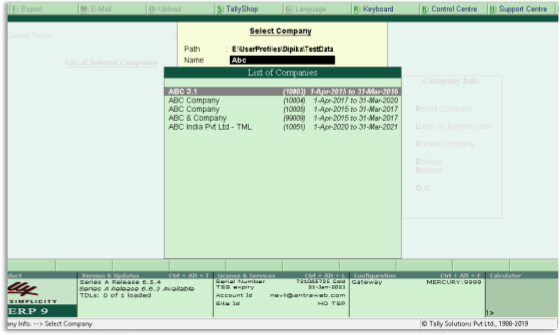
|
Access company data from any path or Drive or remote company and view the data status like Migration Required or Data Corrupted 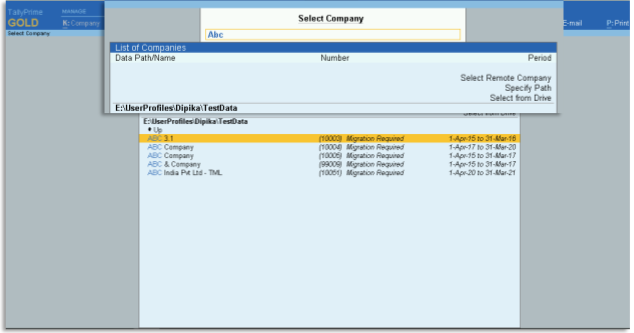
|
3 |
|
|
4 |
Multi Tasking can be done by opening multiple Tally.ERP 9 Instances 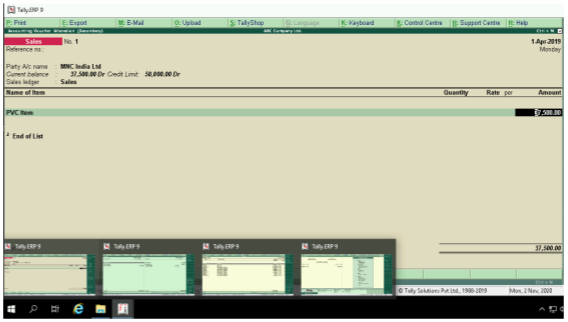
|
Multi Tasking can be done by in one Tally Prime Instance. Just check the Opened Reports in Go To Feature 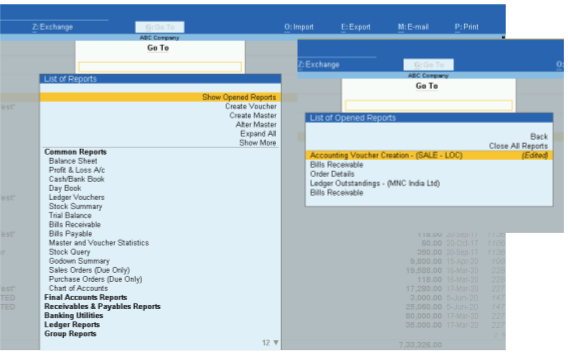
|
5 |
In Tally.ERP 9 user had to make minimum 3 clicks to open each of these. In Gateway of Tally > Display > List of Accounts. 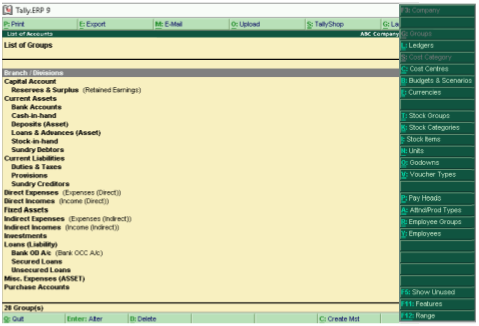
|
Option of ‘Chart of Accounts’ this allows you to access all your masters including groups, ledgers, voucher types, cost centre etc. can be accessed from one screen. 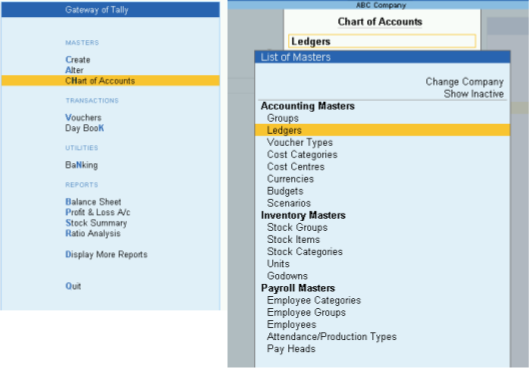
|
6 |
In Tally.ERP 9, fill the required details and pass through complete Supplementary details 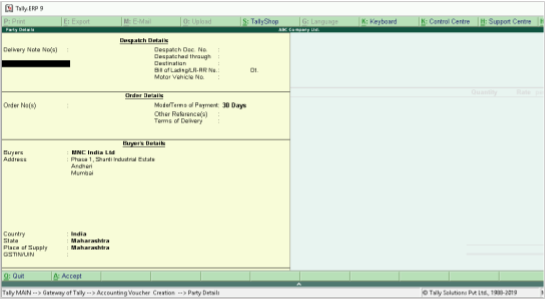
|
Add few details which are needed most of the times as ‘Permanent details’ in ‘configuration’ and get only those details in Supplementary details. 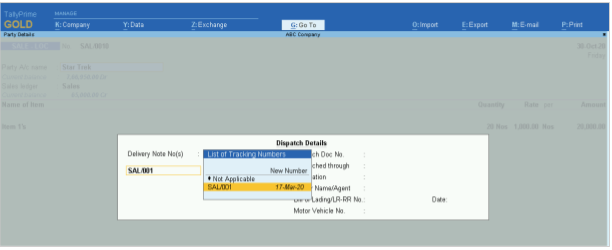
|
7 |
Shortcut Keys Used to Copy and Paste in Tally.ERP 9 Ctrl + Alt CCtrl + Alt V |
Global Keys used to Copy and Paste in Tally Prime Ctrl CCtrl V |
8 |
In Tally.ERP 9 these options were available in 3 different places and hence navigation is now easier. 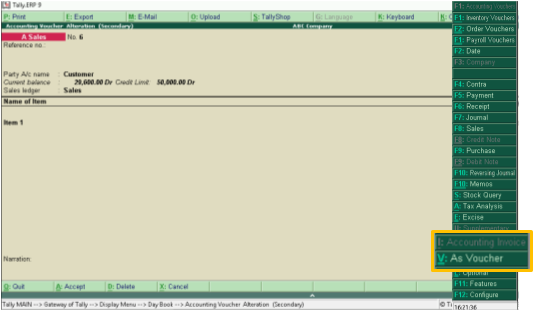
|
In sales voucher or any other voucher, the Change Mode gives you 3 options namely - Item Invoice, Accounting invoice and As invoice. 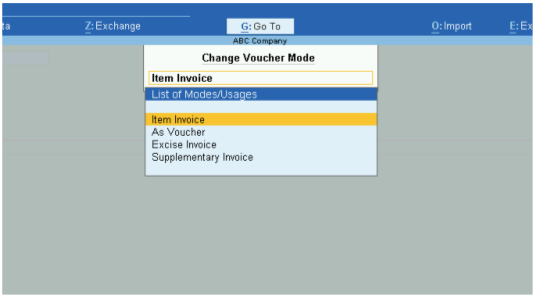
|
9 |
In Tally.ERP 9, when a user prints invoices with multiple items the invoices gets printed in multiple pages as unused blank space occupies the page which is not needed. 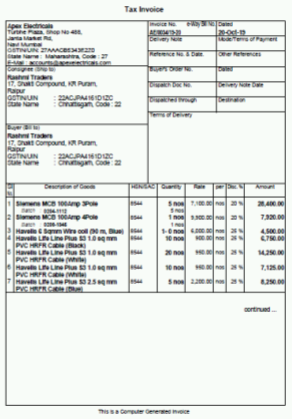
|
In Tally Prime, you can ‘optimise printing to save paper’. This feature will reduce your 6-page invoice to a 2-page invoice, thus saving your printing costs, paper costs and other costs. 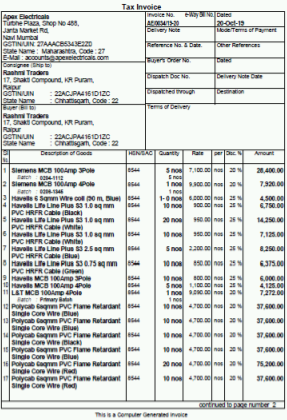
|